
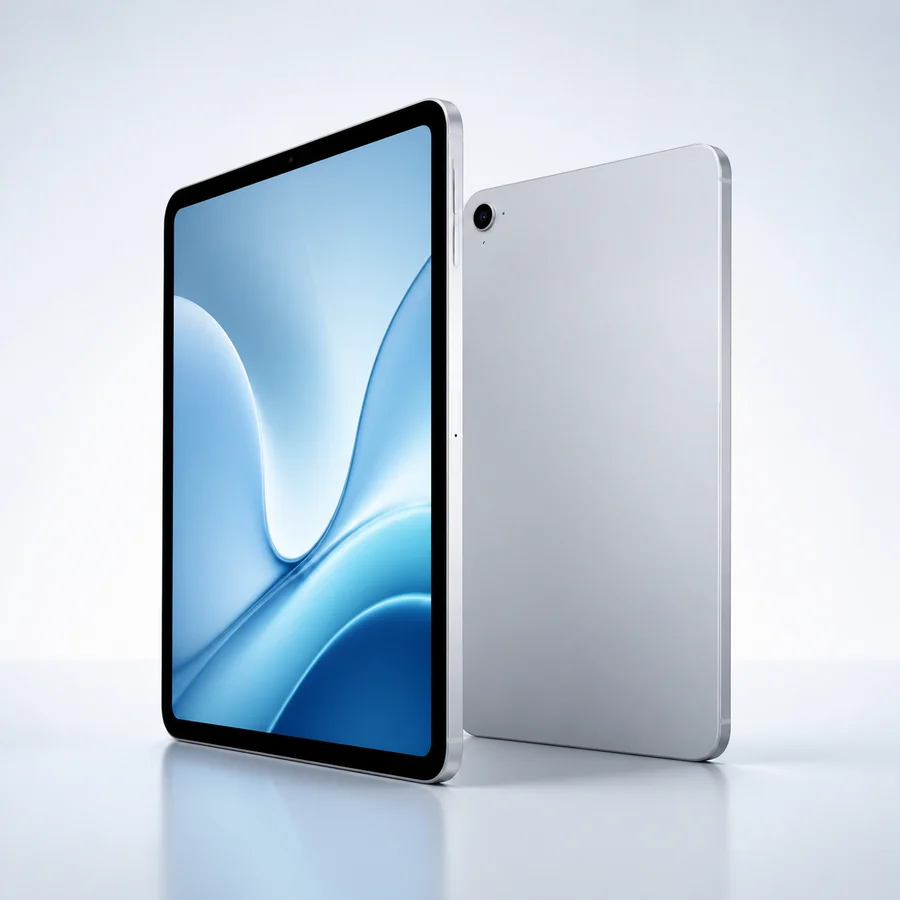
 Request option
device category
iPad Request Options
Request an iPad preference with Gov iPhone. Exact model, generation, condition, customer cost, service compatibility and availability are confirmed during provider review.
Gov iPhone device options
Explore iPad tablets and carry your choice into the application.
Compare the device family, choose the request path that fits your needs and submit that preference with the service address and eligibility route. Gov iPhone then reviews the current promotional device and service terms for the application.
- Phone, tablet or laptop family preference
- Current promotional device or bring-your-own-device path
- Device condition and customer price
- Shipping, fulfillment and support terms
- Compatibility and activation requirements when applicable
Device categoryiPad choices
Continue with this category →Free iPad request and tablet alternatives
Record an iPad preference while keeping the general free tablet and Android tablet paths available for comparison.
Request option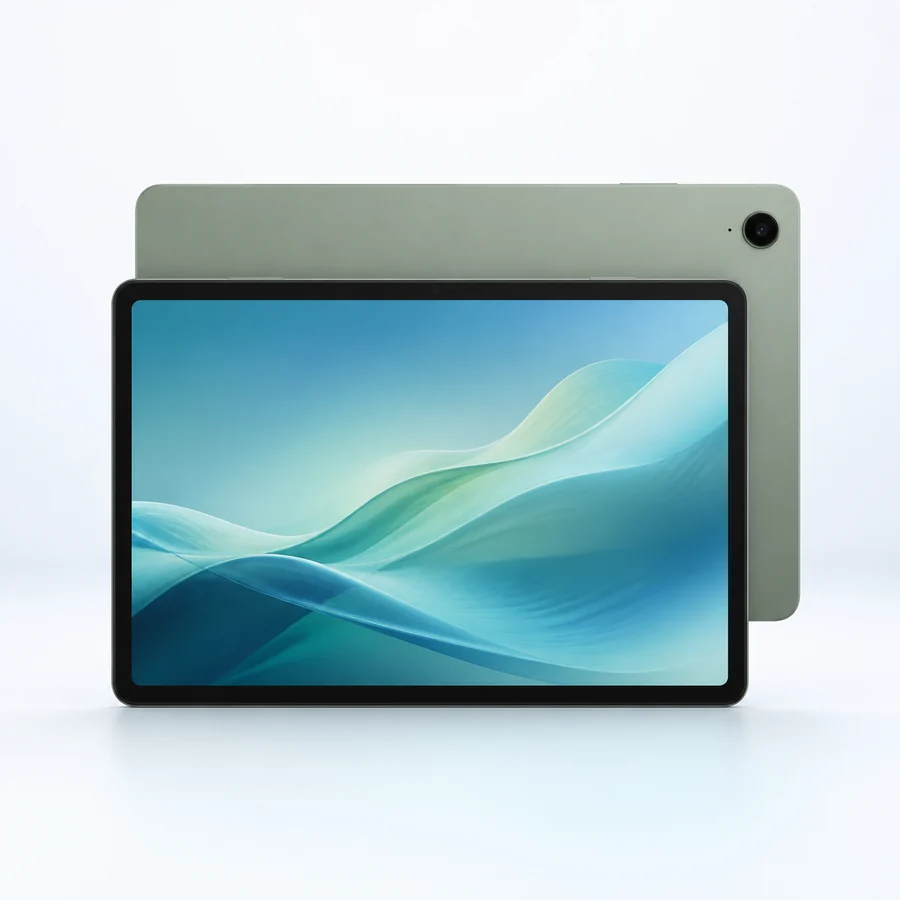 Request option
$0 may be available*
Free tablet option
Keep the request open to the current general tablet promotion.
Choose this optionRequest option$0 may be available*
Android tablet option
Choose an Android tablet preference instead.
Choose this option*$0 or free device language describes a separate Gov iPhone provider promotion when available for an eligible application. The final device, condition, customer price and fulfillment terms are supplied with the current offer.
Choosing an iPad path
Record an Apple tablet preference without assuming a generation
The iPad path is for an applicant who prefers an Apple tablet experience. It does not identify a particular iPad generation, screen size, storage capacity or cellular configuration. Those details depend on the device included in the current provider promotion.
Provider review should confirm the exact iPad or family, device condition, customer cost, included charger or accessories, connectivity and any activation requirement. A Wi-Fi-only iPad and a cellular-capable iPad have different service considerations, so the final offer should make that distinction clear.
When the requested iPad is not available, the applicant can consider a general tablet or Android tablet promotion instead. The application records the preference, and Customer Service remains available for fulfillment or device questions.
From selection to service
Three clear steps from device choice to provider review.
Choose a device path
Compare the family cards and select the phone, tablet or laptop preference that fits your application.
Review options →Submit the application
Send contact, service-address, household, eligibility-route and device-preference information.
Start application →Review service and device terms
Gov iPhone confirms service availability, the promotional device path, customer cost and any activation requirements.
See the full process →Related device departments
Compare nearby device categories.
Device options
Tablet guide
Understand eligibility and promotional-device separation
Explore Tablet guideDevice options
iPad request guide
Review the provider-safe iPad request process
Explore iPad request guideDevice request questions
Does Lifeline guarantee this type of device?+
No. Lifeline supports qualifying communications service. Any phone, tablet or laptop is a separate Gov iPhone provider promotion when available.
Can I choose an exact model?+
You can record a family or device preference. The exact model, condition, service compatibility, customer cost and availability are confirmed during provider review.
What happens if my preferred device is not available?+
Gov iPhone can review another device family, a current promotional path or a compatible bring-your-own-device option where applicable.