 Request option
$0 may be available*
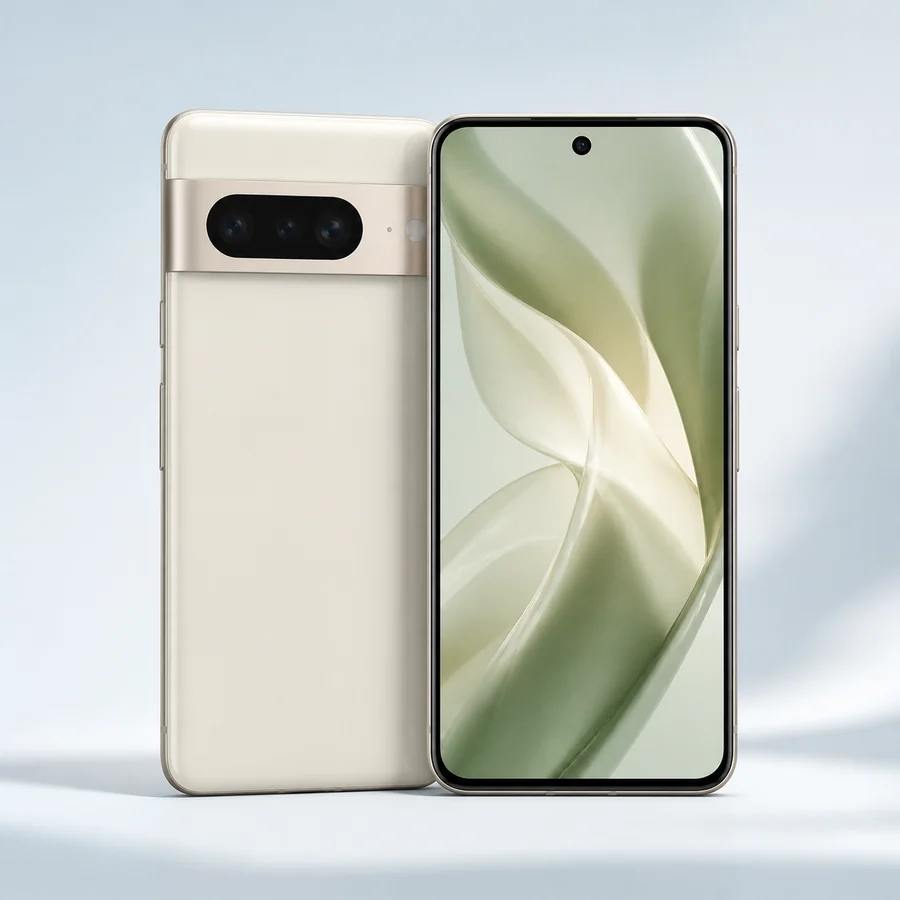
Free Google Pixel request
Choose Google Pixel as the preferred promotional phone family.
Choose this option
Ask about a Google Pixel phone with Gov iPhone Lifeline-supported service. Exact device, price, condition, coverage and availability depend on the current provider offer.
Compare the device family, choose the request path that fits your needs and submit that preference with the service address and eligibility route. Gov iPhone then reviews the current promotional device and service terms for the application.
Device categoryRecord a Google Pixel preference, compare another Android family or use a compatible device you already own.
Request optionChoose Google Pixel as the preferred promotional phone family.
Choose this option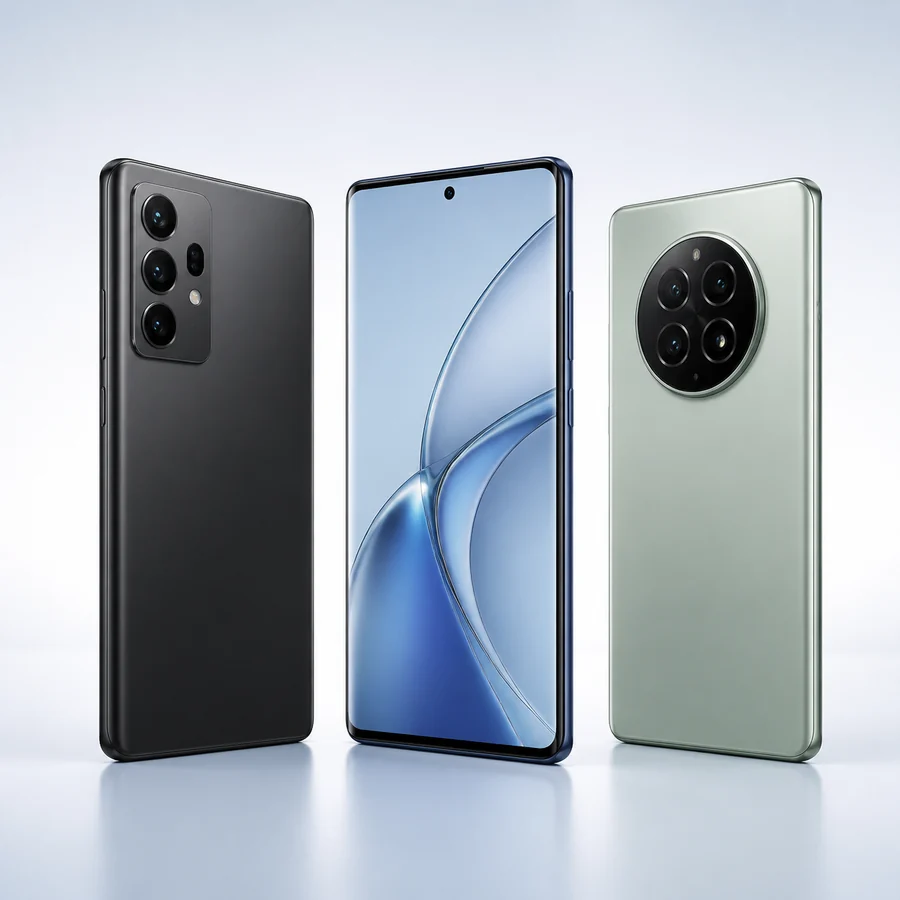 Request option
Keep the request open to another Android smartphone family.
Choose this option Request option
Ask Gov iPhone to review a compatible unlocked smartphone.
Choose this option*$0 or free device language describes a separate Gov iPhone provider promotion when available for an eligible application. The final device, condition, customer price and fulfillment terms are supplied with the current offer.
Compare the family cards and select the phone, tablet or laptop preference that fits your application.
Review options →Send contact, service-address, household, eligibility-route and device-preference information.
Start application →Gov iPhone confirms service availability, the promotional device path, customer cost and any activation requirements.
See the full process →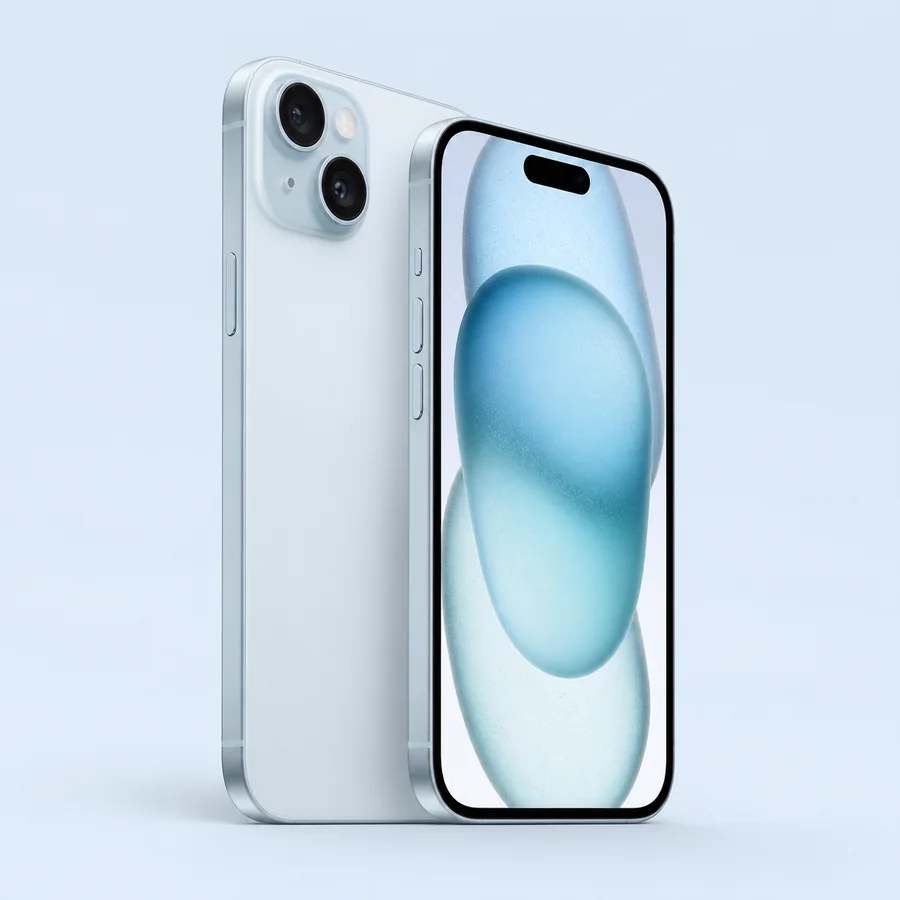
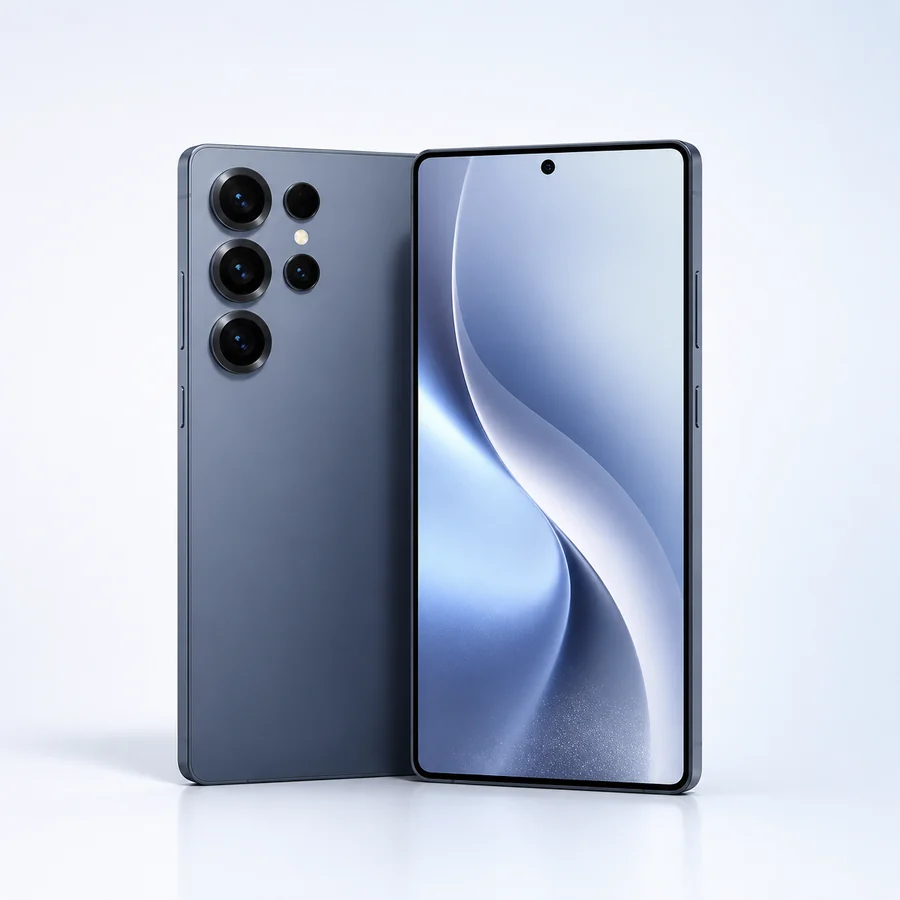
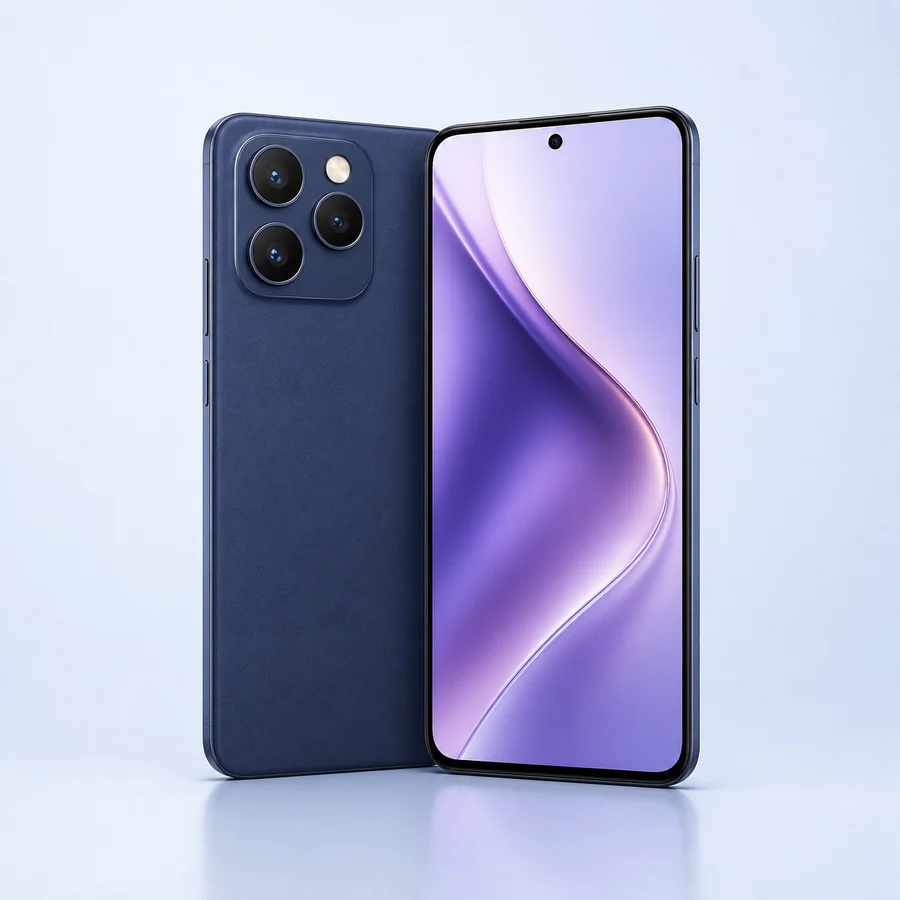
No. Lifeline supports qualifying communications service. Any phone, tablet or laptop is a separate Gov iPhone provider promotion when available.
You can record a family or device preference. The exact model, condition, service compatibility, customer cost and availability are confirmed during provider review.
Gov iPhone can review another device family, a current promotional path or a compatible bring-your-own-device option where applicable.