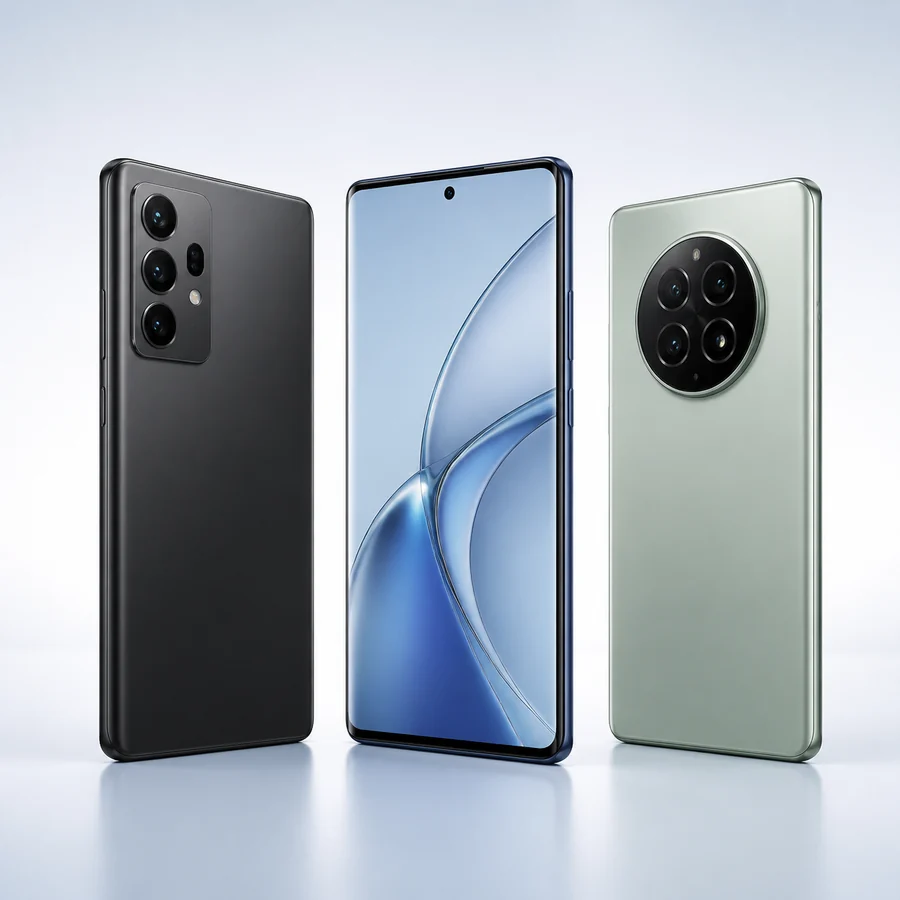
Phones
iPhone and Android choices
Compare iPhone, Samsung, Google Pixel, Motorola, Android and BYOD paths.
Compare phones →
Start a Gov iPhone provider application with contact, service-address, eligibility-route and device-preference information through the secure intake form.
This application starts the Gov iPhone review process by collecting contact, service-address, eligibility-route and device-preference information. It does not ask for Social Security numbers, payment-card information or full benefit documents.
Your selection carries into the application. It records the category you want Gov iPhone to review; it does not reserve inventory or confirm a price.
Compare iPhone, Samsung, Google Pixel, Motorola, Android and BYOD paths.
Compare phones →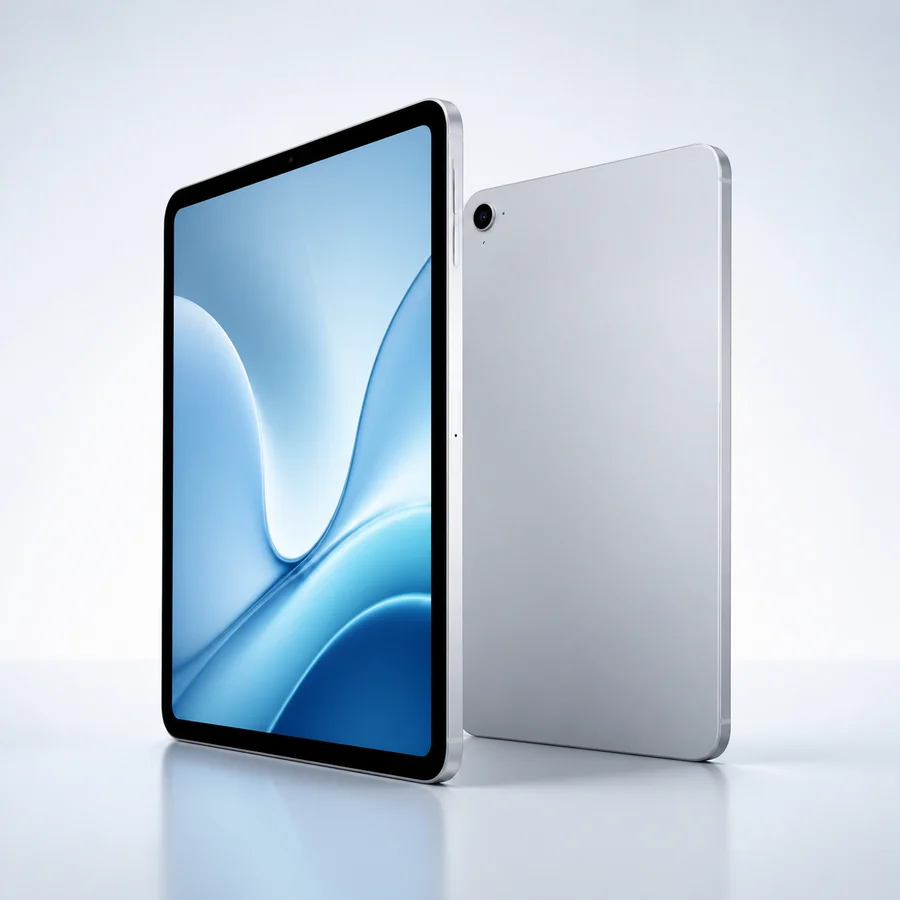
Record a general tablet, iPad or Android tablet preference for review.
Compare tablets →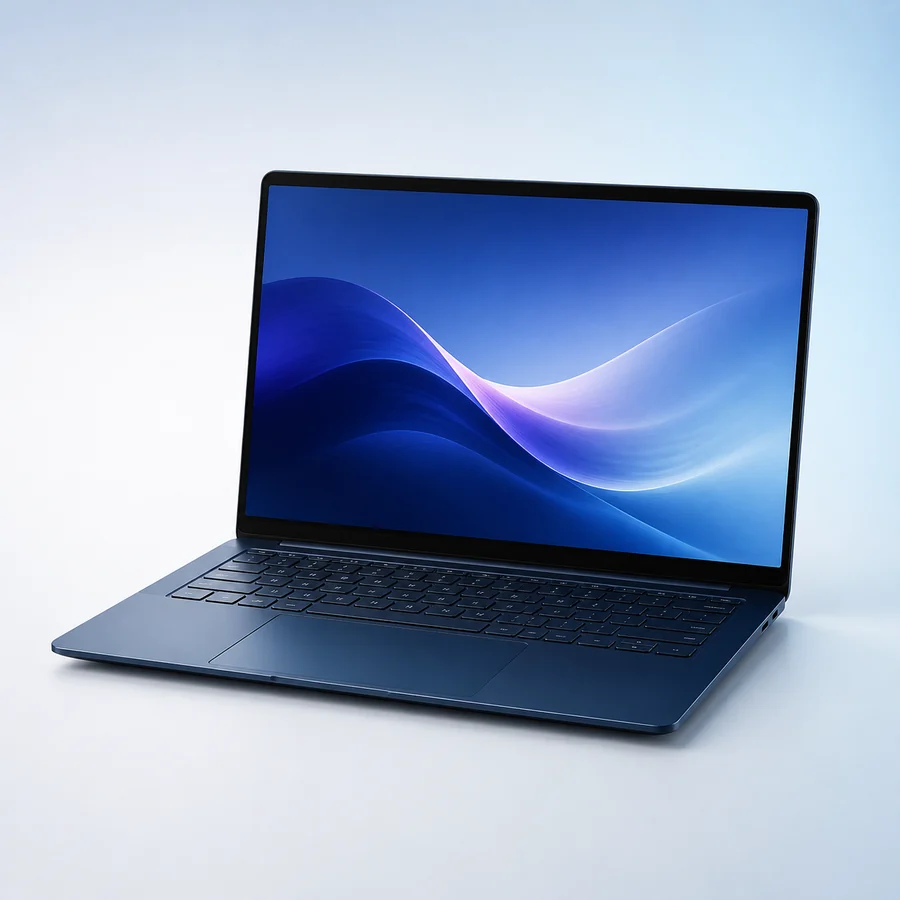
Choose a general laptop, Windows laptop or MacBook request path.
Compare laptops →Your information is sent securely to Gov iPhone for application review. Do not enter a Social Security number or upload benefit documents in this application form.
Federal program claims on Gov iPhone are supported with USAC and Lifeline Support references so customers can distinguish official Lifeline rules from provider-specific free phone and service offers.