Reduce qualifying service cost
Up to $9.25 per month for standard broadband or eligible bundled service, and up to $34.25 on qualifying Tribal lands.

iPhone 17 Lifeline BYOD guide: verify eSIM, IMEI and carrier compatibility without assuming a free flagship device.
Free device offer is subject to current Gov iPhone availability, service area, condition and terms.
 Device request page
A qualifying household may use Lifeline-supported service with an eligible carrier. An iPhone 17 is a separate hardware choice. The standard federal discount is up to $9.25 per month, or up to $34.25 on qualifying Tribal lands. In 2026, the one-person income threshold is $21,546 in the contiguous states. Verify eligibility with USAC.
| Feature | iPhone 17 details |
|---|---|
| Processor | A19 |
| Wireless service | 5G subject to carrier compatibility |
| Display | 6.3-inch Super Retina XDR with ProMotion |
| SIM / eSIM | U.S. models rely on eSIM activation |
| Charging | USB-C |
| Cameras | 48 MP Dual Fusion system |
| Realistic service path | Unlocked BYOD |
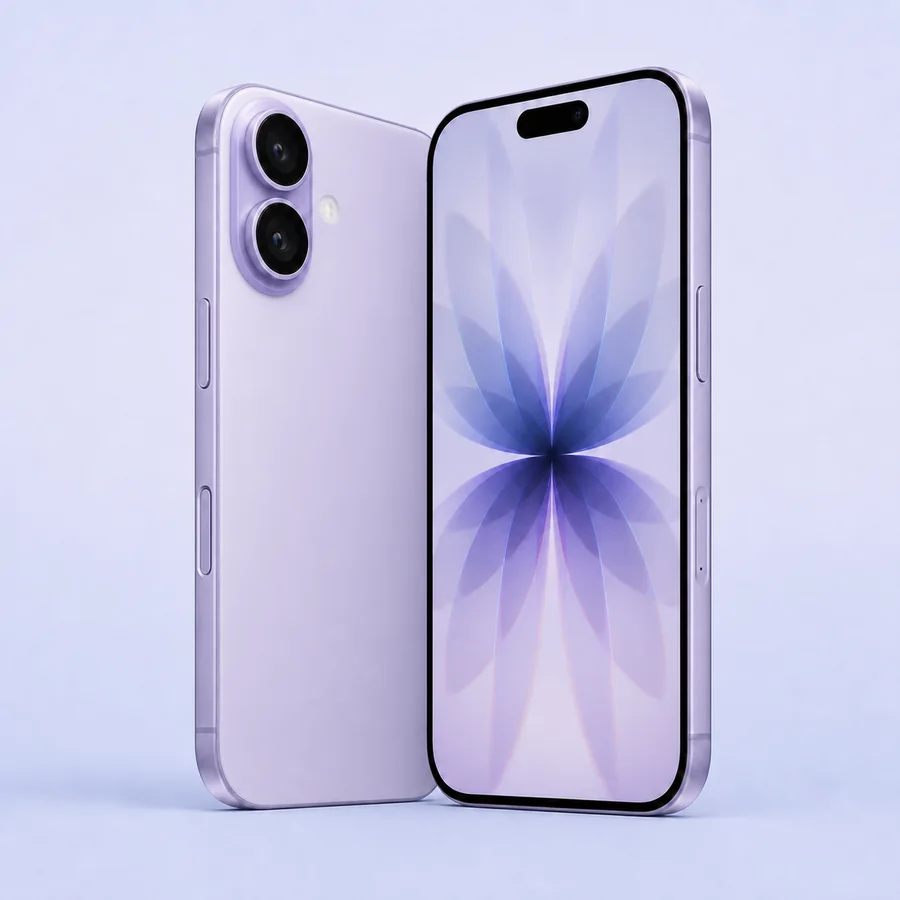
The iPhone 17 is a newer model, so use it primarily as an unlocked BYOD research path. Verify the carrier supports the handset's IMEI, eSIM profile and coverage. No authorized carrier's inventory or $0 iPhone 17 offer is represented by this guide.
The refreshed display and newer chipset do not change the federal Lifeline rules. Compare service, data and activation separately from the amount paid to acquire the handset.
Apple's technical specifications document can help identify the exact variant. A provider IMEI check is still needed before activation.
Up to $9.25 per month for standard broadband or eligible bundled service, and up to $34.25 on qualifying Tribal lands.
Promotional handset condition, stock, tax, fees and any co-pay must come from an actual current carrier offer.
Check carrier lock status, IMEI, eSIM or physical SIM support, local coverage and number-porting steps.
All iPhone availability tiers · BYOD iPhone guide · Keep your current number · Lifeline by state
Official references: USAC Consumer Eligibility · USAC Minimum Service Standards · FCC Lifeline.
Only when a real authorized carrier's published current offer includes that model at $0 for your location and eligibility. This page is not evidence of inventory.
Look under Settings > General > About for the Carrier Lock field. 'No SIM restrictions' generally indicates an unlocked iPhone; verify with the receiving carrier.
Often yes. Keep your current line active, obtain your account number and transfer PIN, and follow the receiving carrier's instructions.