Reduce qualifying service cost
Up to $9.25 per month for standard broadband or eligible bundled service, and up to $34.25 on qualifying Tribal lands.

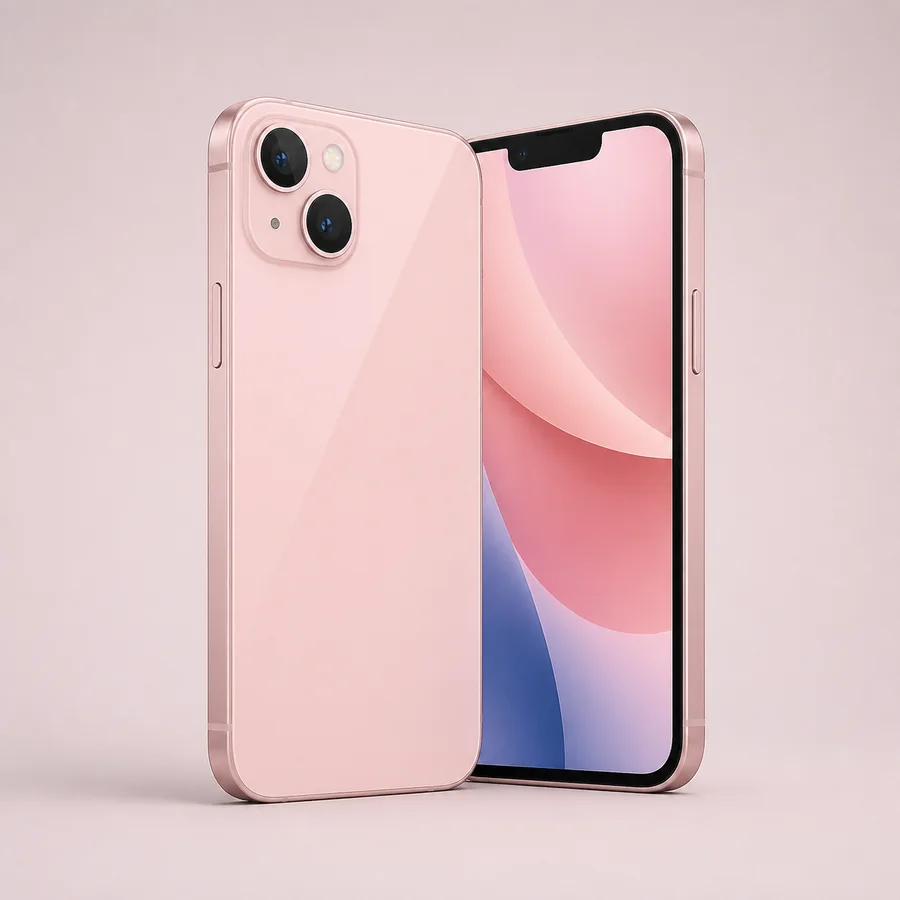
iPhone 13 Lifeline guide: compare A15 5G features, current carrier upgrade quotes, physical SIM/eSIM and unlocked BYOD eligibility.
Free device offer is subject to current Gov iPhone availability, service area, condition and terms.
 Device request page
A qualifying household may use Lifeline-supported service with an eligible carrier. An iPhone 13 is a separate hardware choice. The standard federal discount is up to $9.25 per month, or up to $34.25 on qualifying Tribal lands. In 2026, the one-person income threshold is $21,546 in the contiguous states. Verify eligibility with USAC.
| Feature | iPhone 13 details |
|---|---|
| Processor | A15 Bionic |
| Wireless service | 5G including compatible US bands |
| Display | 6.1-inch Super Retina XDR OLED |
| SIM / eSIM | US nano-SIM plus eSIM; dual eSIM supported |
| Charging | Lightning |
| Cameras | Dual 12 MP rear cameras |
| Realistic service path | Upgrade quote or BYOD |
The iPhone 13 balances 5G connectivity with older-device upgrade economics. A U.S. model can support a physical nano-SIM and eSIM. Before buying an unlocked device, open Settings > General > About and look for 'No SIM restrictions' under Carrier Lock.
It is not automatically a $0 federal-benefit phone. Compare the total current carrier upgrade charge with the cost of using an iPhone 13 you already own. Keep the IMEI ready for a BYOD compatibility test.
Apple's technical specifications document can help identify the exact variant. A provider IMEI check is still needed before activation.
Up to $9.25 per month for standard broadband or eligible bundled service, and up to $34.25 on qualifying Tribal lands.
Promotional handset condition, stock, tax, fees and any co-pay must come from an actual current carrier offer.
Check carrier lock status, IMEI, eSIM or physical SIM support, local coverage and number-porting steps.
All iPhone availability tiers · BYOD iPhone guide · Keep your current number · Lifeline by state
Official references: USAC Consumer Eligibility · USAC Minimum Service Standards · FCC Lifeline.
Only when a real authorized carrier's published current offer includes that model at $0 for your location and eligibility. This page is not evidence of inventory.
Look under Settings > General > About for the Carrier Lock field. 'No SIM restrictions' generally indicates an unlocked iPhone; verify with the receiving carrier.
Often yes. Keep your current line active, obtain your account number and transfer PIN, and follow the receiving carrier's instructions.