 Request option
$0 may be available*
Free MacBook request
Choose MacBook as the preferred laptop family.
Choose this option
Request a MacBook preference with Gov iPhone and compare free laptop alternatives. Exact model, condition, customer cost and availability require provider confirmation.
Compare the device family, choose the request path that fits your needs and submit that preference with the service address and eligibility route. Gov iPhone then reviews the current promotional device and service terms for the application.
Device categoryRecord a MacBook preference while keeping the general free laptop and Windows laptop paths available for comparison.
Request optionChoose MacBook as the preferred laptop family.
Choose this option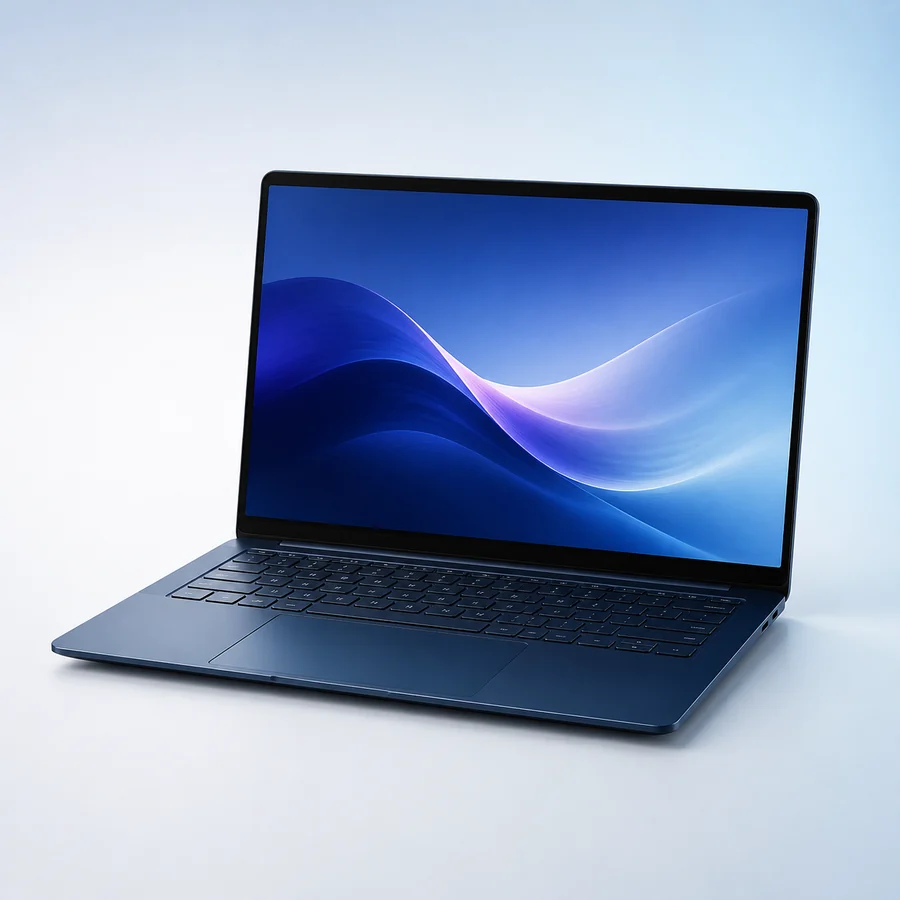 Request option
Keep the request open to the current general laptop promotion.
Choose this optionRequest optionChoose a Windows laptop preference instead.
Choose this option*$0 or free device language describes a separate Gov iPhone provider promotion when available for an eligible application. The final device, condition, customer price and fulfillment terms are supplied with the current offer.
A MacBook request records a preference for an Apple laptop. It does not promise a MacBook Air or MacBook Pro, a particular chip, screen size, storage amount, release year or battery condition. Gov iPhone must confirm the device that is actually included in the current promotion.
Before fulfillment, review the model or family, condition, customer cost, included power adapter, return terms and how internet access will be provided. A MacBook does not ordinarily connect to cellular service on its own, so Wi-Fi or another compatible connection may be required.
If a MacBook option is not available or does not fit the confirmed cost, the applicant can compare a general laptop, Windows laptop or tablet request. Support can help clarify the offer without treating the requested family as reserved inventory.
Compare the family cards and select the phone, tablet or laptop preference that fits your application.
Review options →Send contact, service-address, household, eligibility-route and device-preference information.
Start application →Gov iPhone confirms service availability, the promotional device path, customer cost and any activation requirements.
See the full process →Understand eligibility and promotional-device separation
Explore Laptop guideReview the provider-safe MacBook request process
Explore MacBook request guideNo. Lifeline supports qualifying communications service. Any phone, tablet or laptop is a separate Gov iPhone provider promotion when available.
You can record a family or device preference. The exact model, condition, service compatibility, customer cost and availability are confirmed during provider review.
Gov iPhone can review another device family, a current promotional path or a compatible bring-your-own-device option where applicable.